Reverse
face search
Search the public web with your own portrait. Review similar photos and open available source links to see where they appear.
- Face searchSelect your face in a portrait to find other photos where it may appear.
- Image searchSearch with the whole image to find copies, similar images and their sources. No face needed.
Your search results are private
Face search walkthrough
Sample data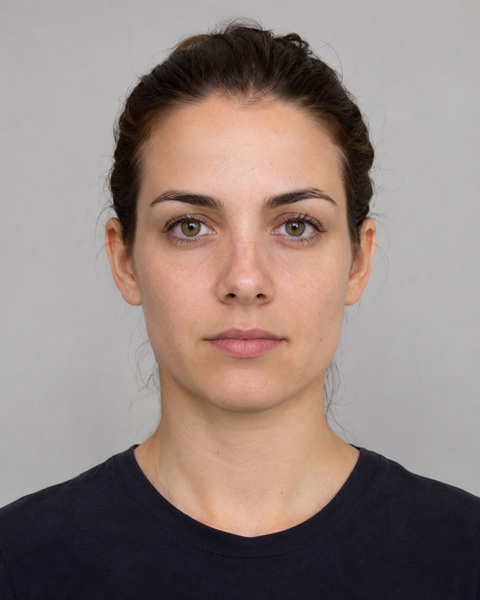
Check your portrait
Start with a clear photo of yourself.
WHAT YOU CAN DO
Where does my photo appear online?
Review matches, open available source links, and return to saved searches in your workspace.
Review the face before searching
When face checks are available, review detected faces and quality feedback, then select your own face.
Check for image reuse
Use reverse image search to look for copies, crops and visually similar images using the whole photo.
See the page behind an image
Open available source links in a full report to see where a candidate appeared and how it was used.
Return to a search later
Check progress from your private search history and reopen saved reports for up to 30 days.
HOW FACE SEARCH WORKS
From a photo to a source.
Learn about the processChoose your photo
Start with a clear portrait of yourself. Review the photo and confirm your data choices.
Search public sources
Look for copies and visually similar images on publicly available pages.
Review candidates
Compare the images in your report and see which sources they came from.
Check the source
Open an available source for context. A resemblance is never proof of identity.
Your search. Your control.
Your photo and saved results have separate retention windows.
See how your data is handledOriginal photo access
Up to 30 minutes
Saved results
Up to 30 days
Search history
Delete at any time
What kind of photo should I upload?
Use a clear JPG, PNG or WebP up to 10 MB. For face search, choose a well-lit photo of yourself with your face visible. For image search, use the full image you want to find.
Which pages can a search cover?
Searches use publicly indexed images. Private pages, pages that require sign-in and unindexed photos may be outside that coverage. A search with no results cannot rule out reuse.
What does a visually similar result mean?
It gives you an image to review. A resemblance alone cannot establish identity. When a source link is available, check the original page for context.
Can I preview a report before unlocking it?
Accounts with a preview allowance can run a limited search. If the report can be unlocked, one credit reveals the available source details without running the search again.
Start with one photo.
Pick a search type to get started.